Command menu
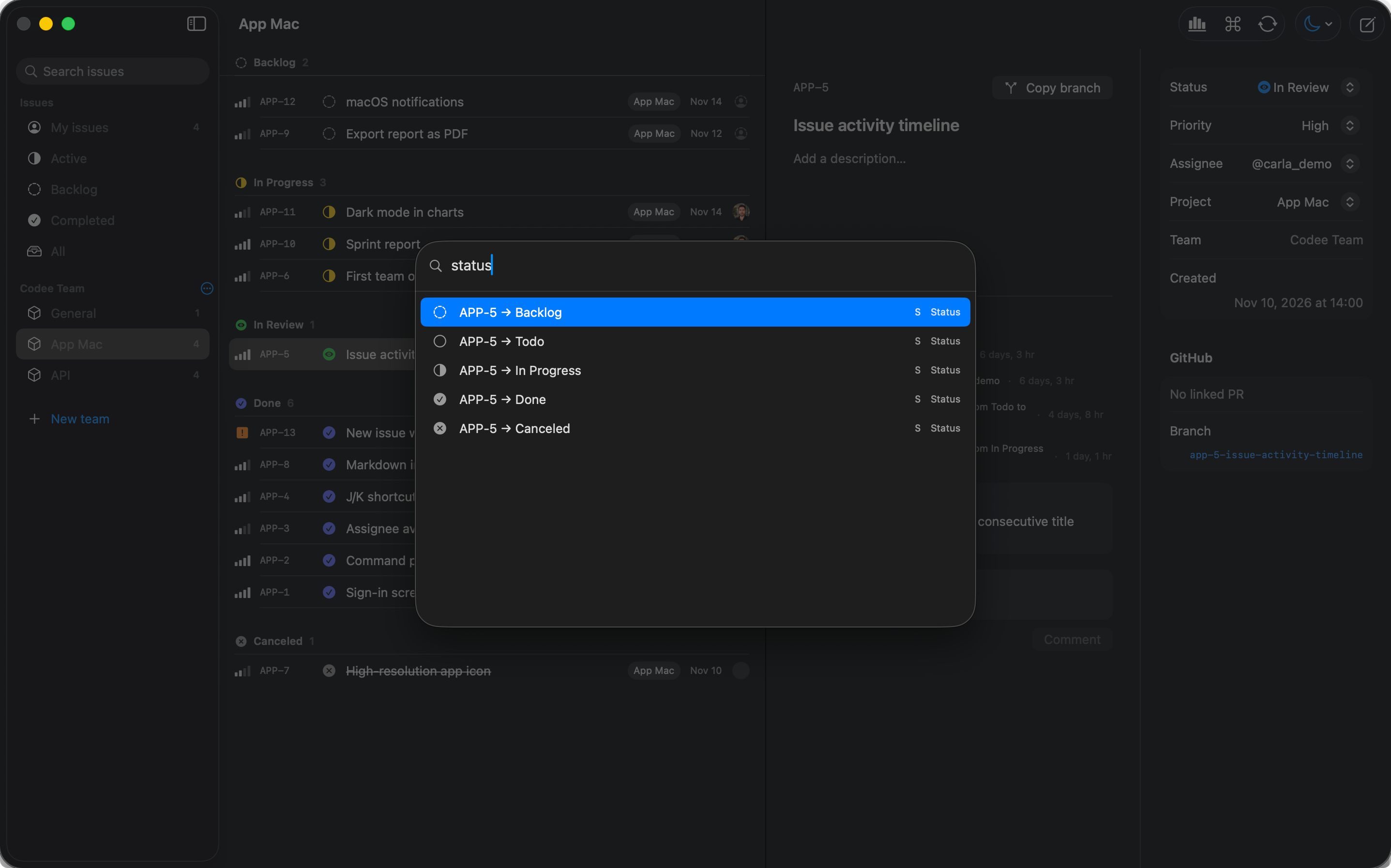
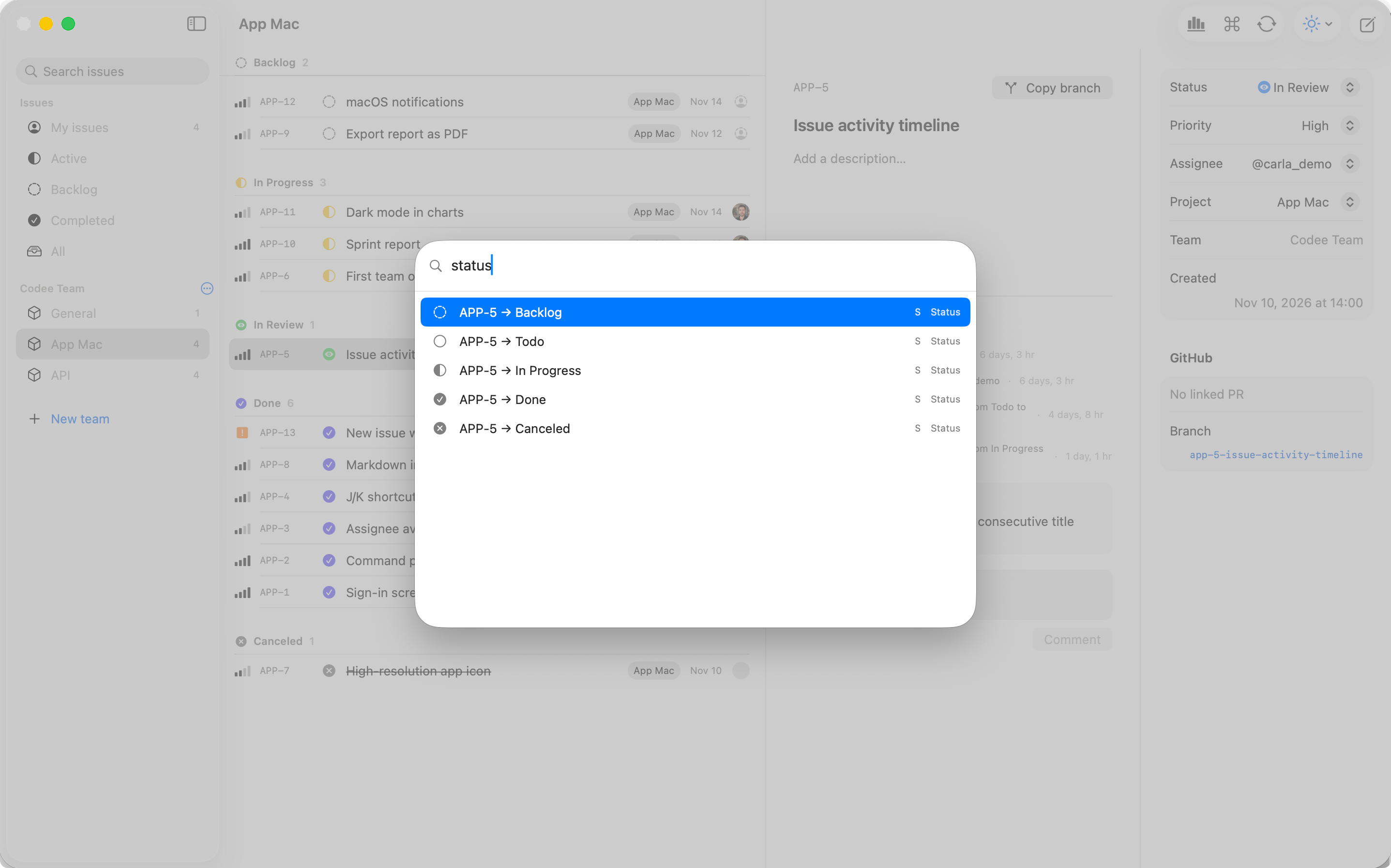
⌘K to open issues and change status, priority or assignee. J/K to navigate, C to create.
Lineo is a native issue tracker for macOS. Built for the keyboard, linked to your GitHub pull requests and shared with your team in real time.
macOS 14 or later · Apple Silicon and Intel
See it in 20 seconds
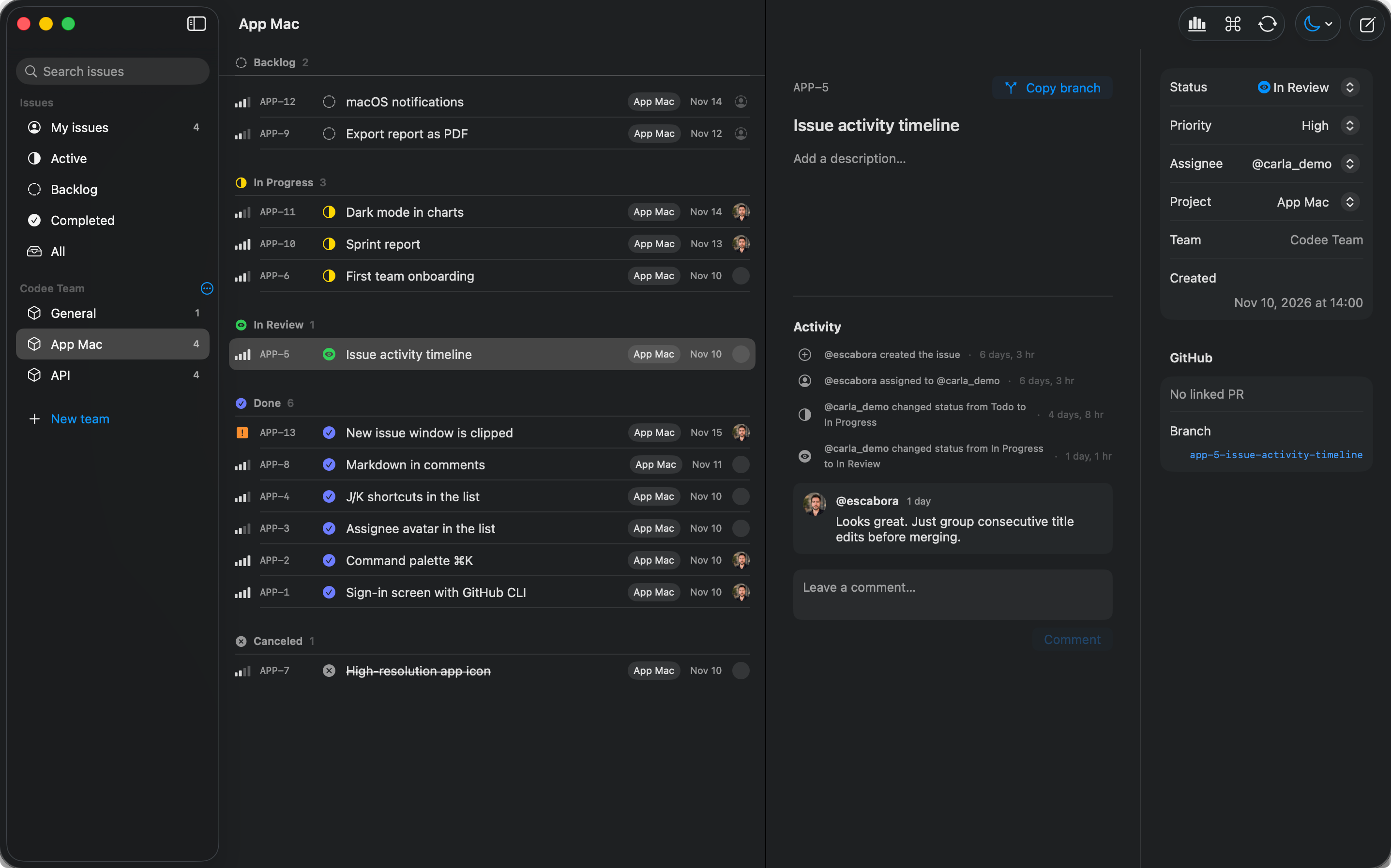
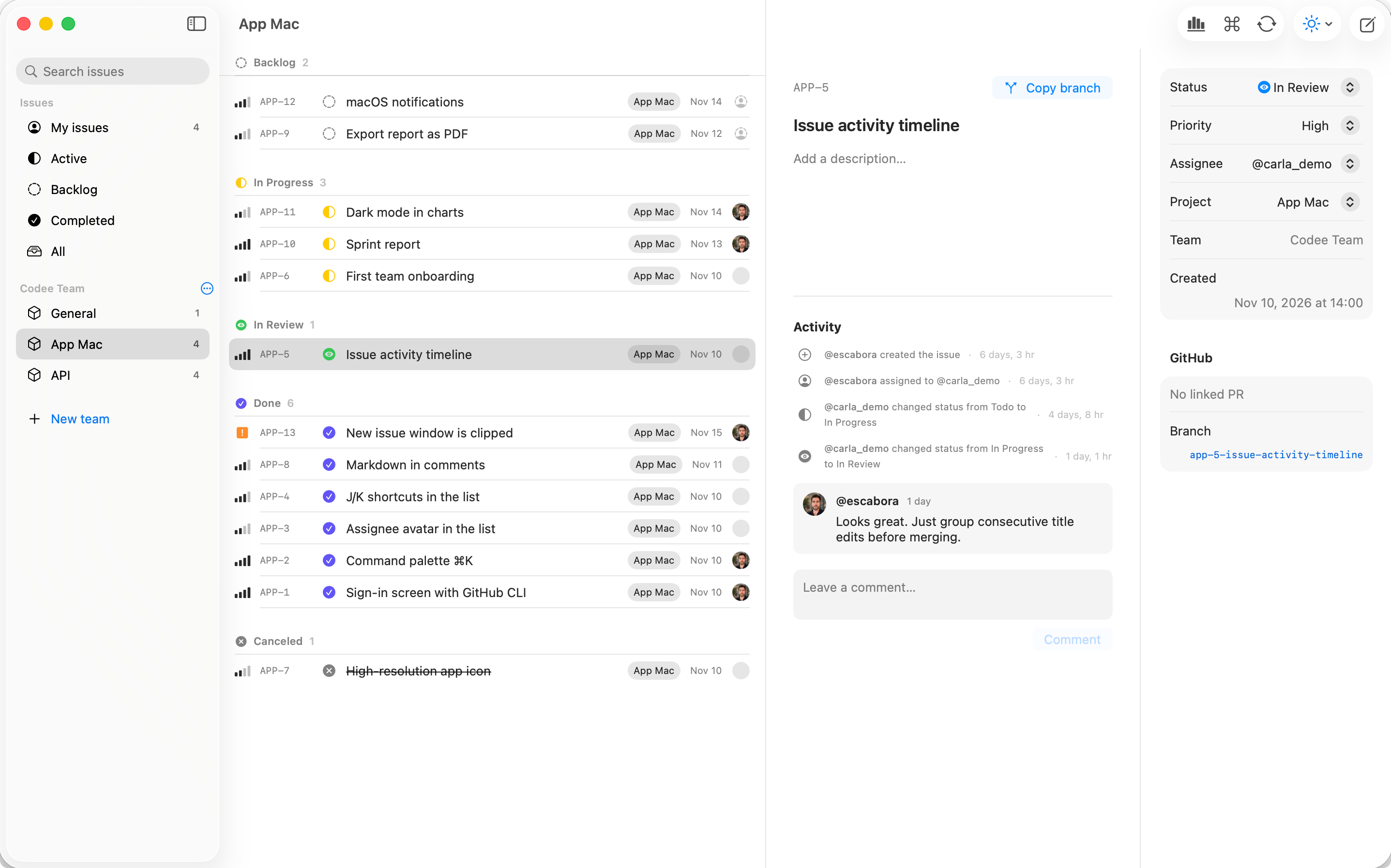
⌘K opens any issue, changes its status and picks the assignee. Your team sees it instantly.
Features
⌘K to open issues and change status, priority or assignee. J/K to navigate, C to create.
Put the issue ID in the branch or PR and the status moves on its own: in review, done.
Create a team, add people by GitHub username and keep track of “My issues”.
Every change is recorded. The conversation about a task lives on the task.
When someone updates an issue, your screen updates too. No refresh button.
SwiftUI, dark mode, Mac shortcuts and a lightweight app. Not a browser in disguise.
Keyboard-first
Select an issue and press a key. The command menu opens already filtered to what you want to change.
GitHub
Sign in with GitHub. Lineo reads the pull requests in your repositories and links each one to its issue by the ID in the branch or title.
git checkout -b app-12-export-csv
Reports
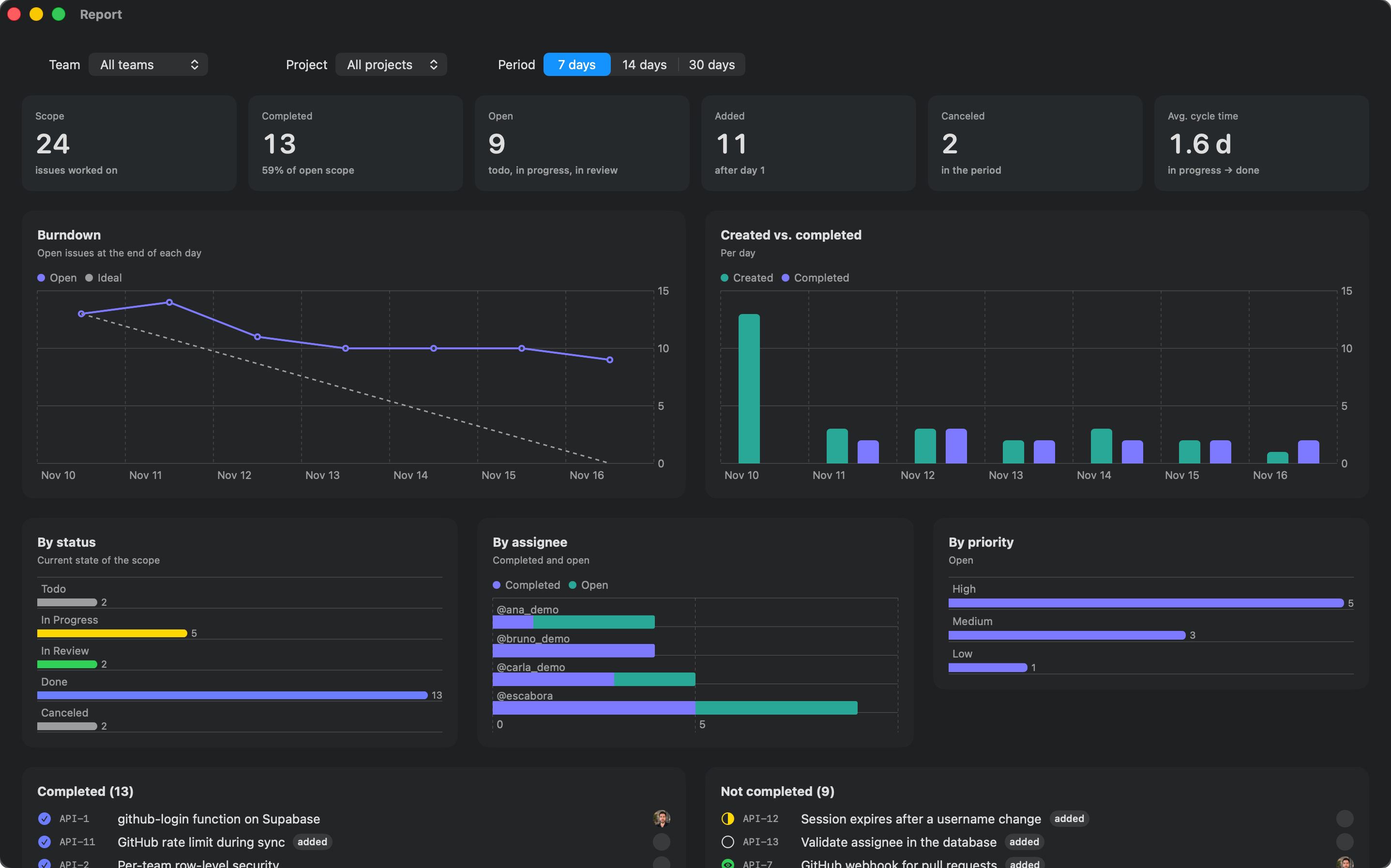
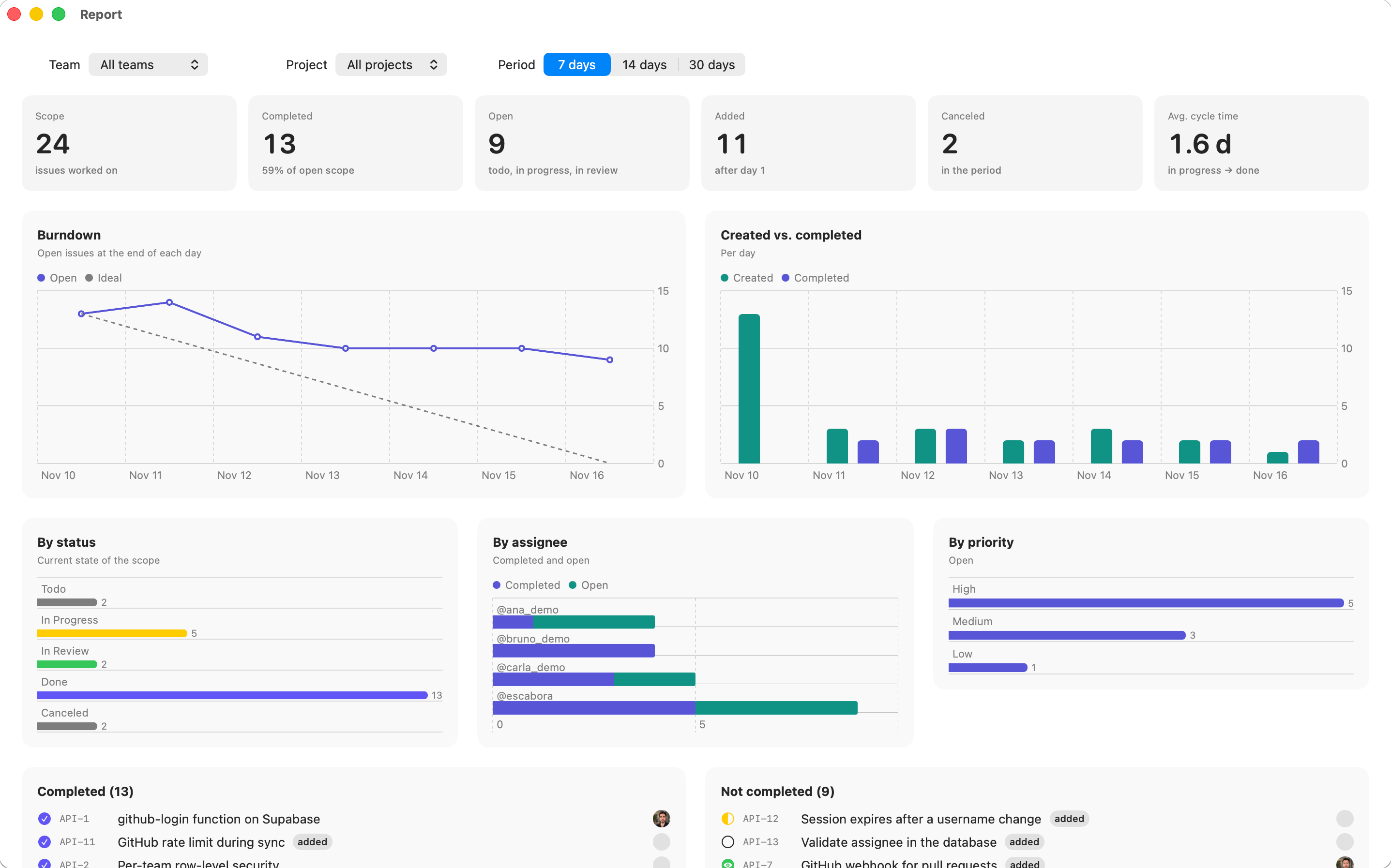
Burndown, created vs. completed, average cycle time and what was added mid-sprint. By team, project and period.
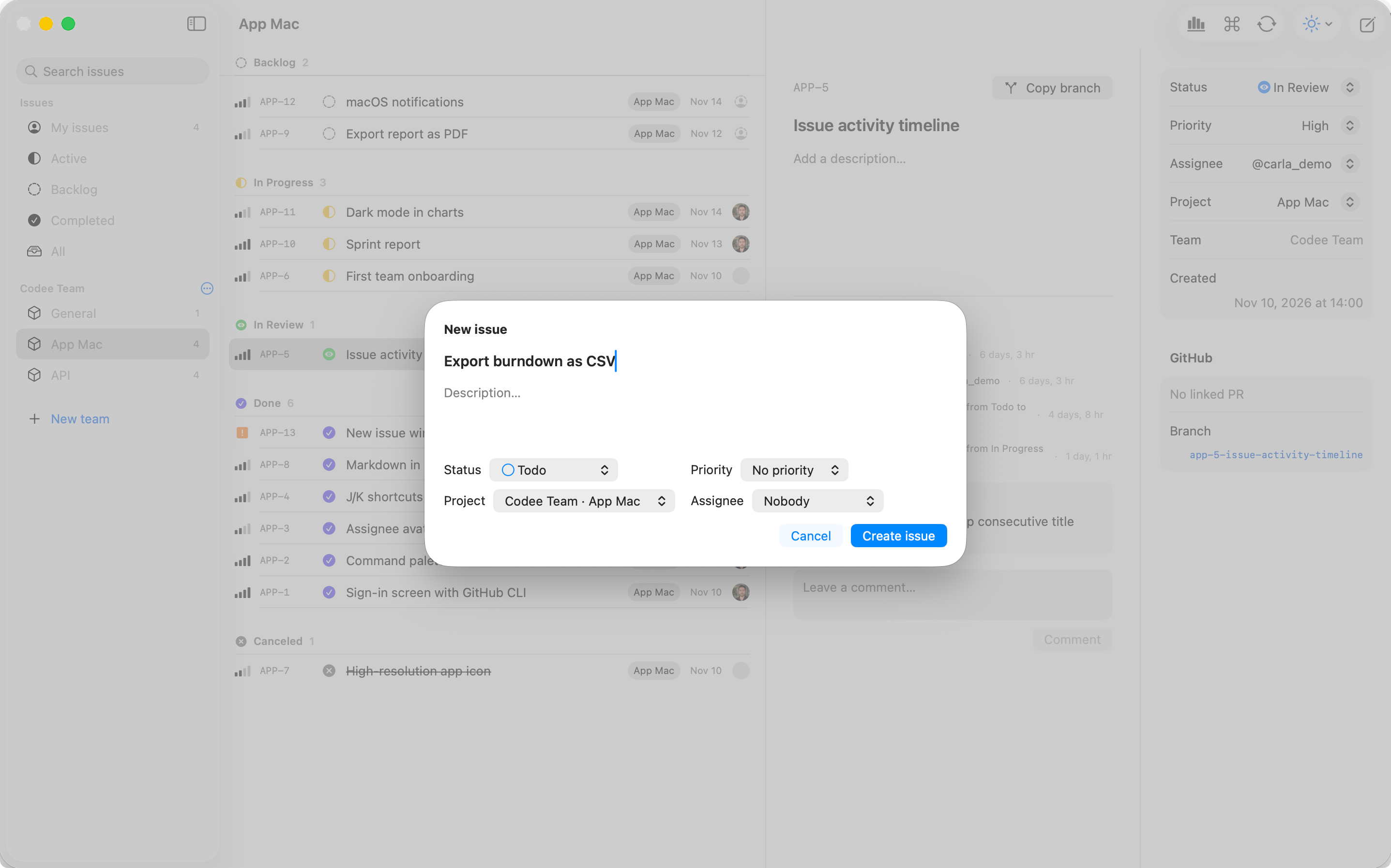
Instant capture
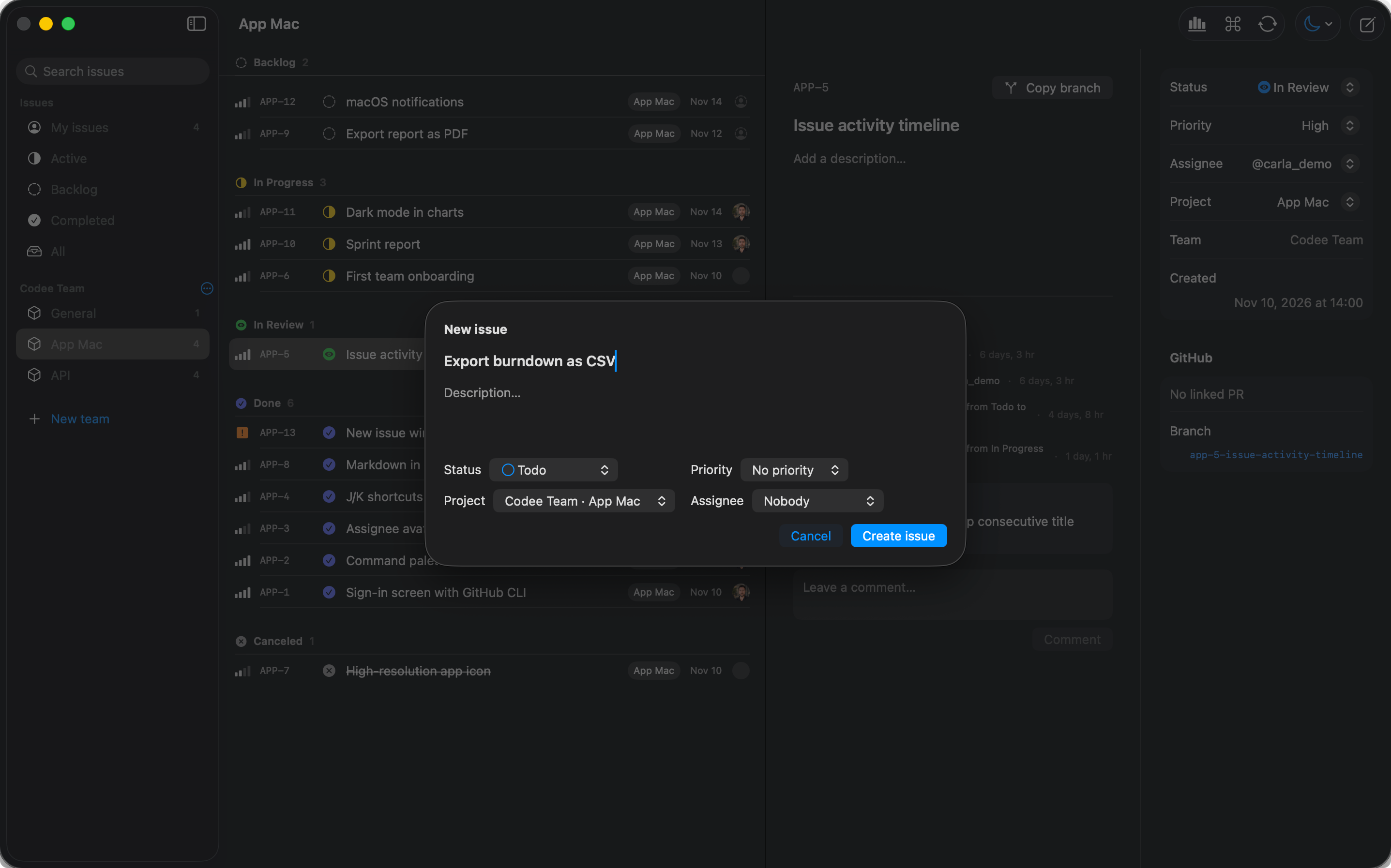
Press C, type the title and hit ⌘↩. The issue number is assigned instantly, with no collisions, even when the whole team is creating at once.
Pricing
€0
To get started
€8/user/month
For teams that ship every week
Custom
For multiple departments